Experimental. Inspect Zinn tasks mentioned in an OpenCode conversation without leaving the terminal.
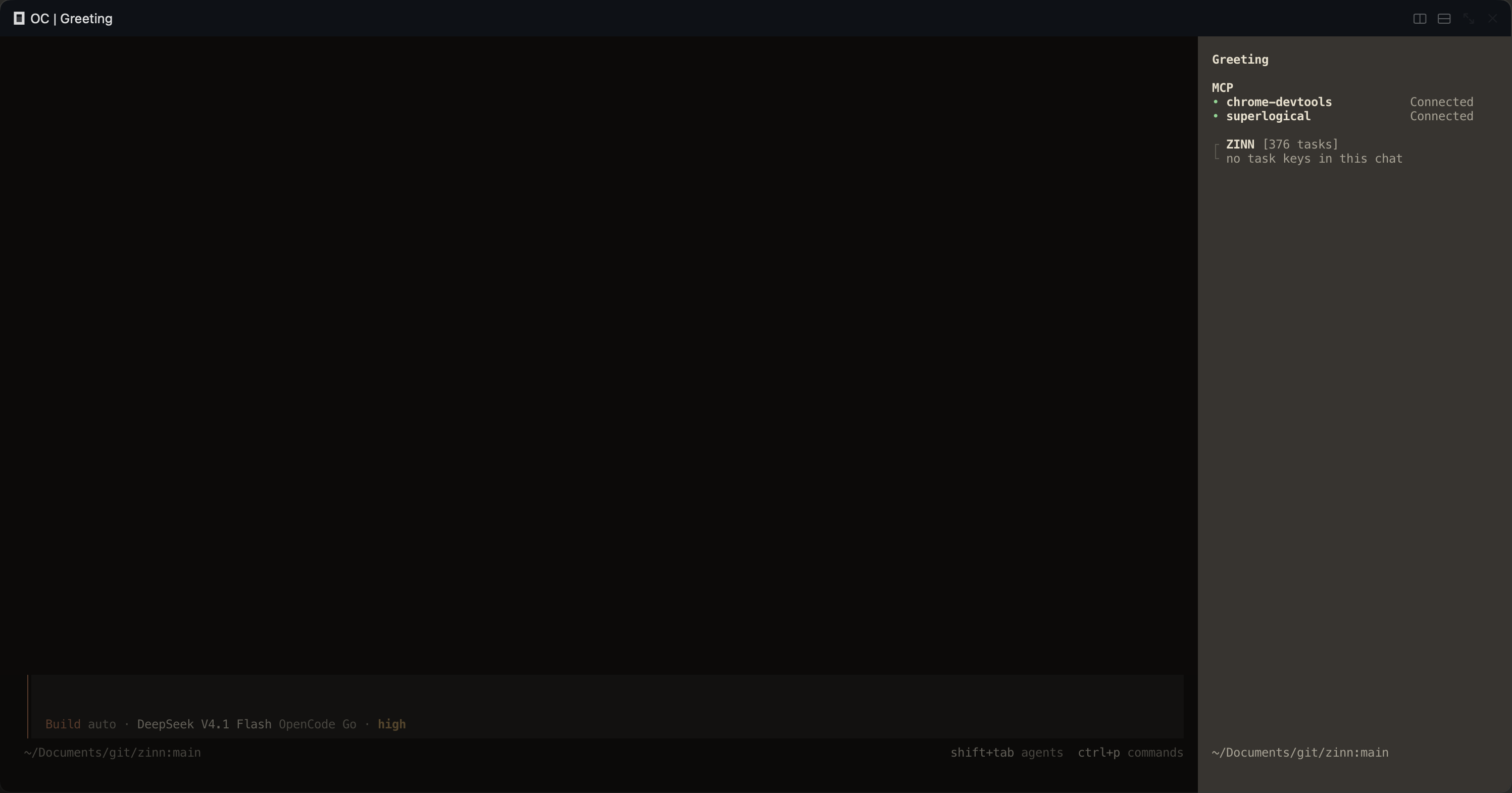
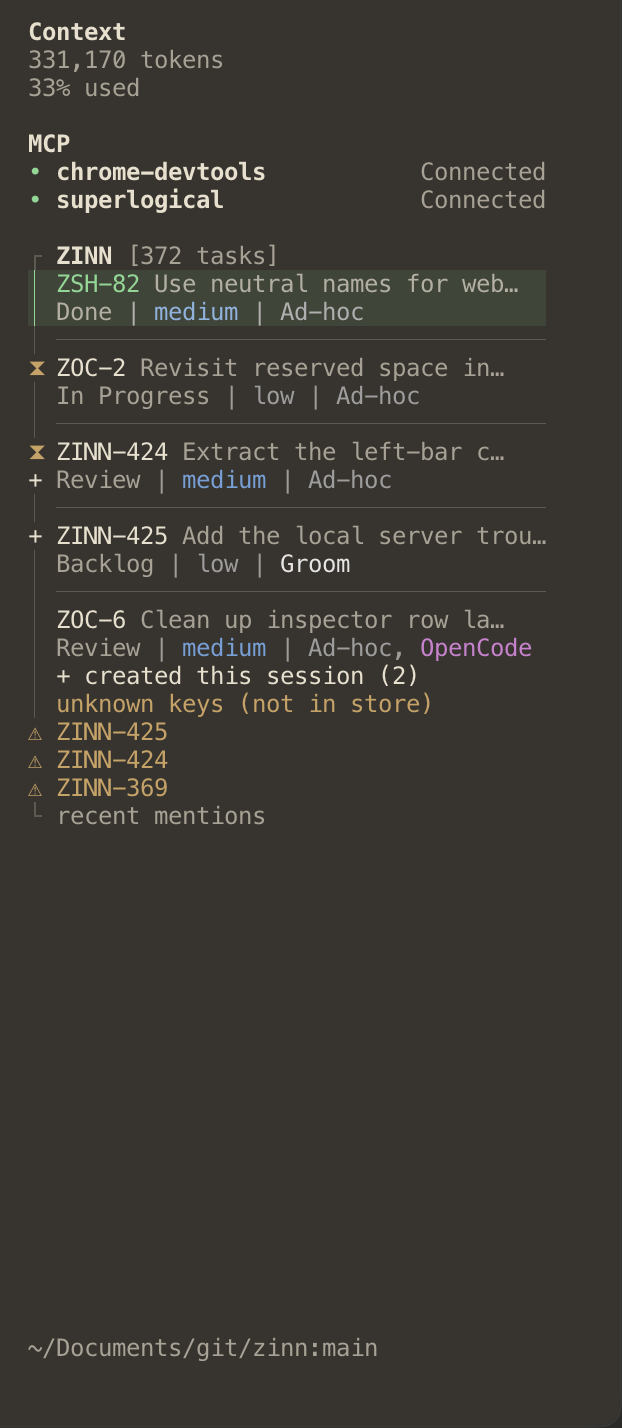
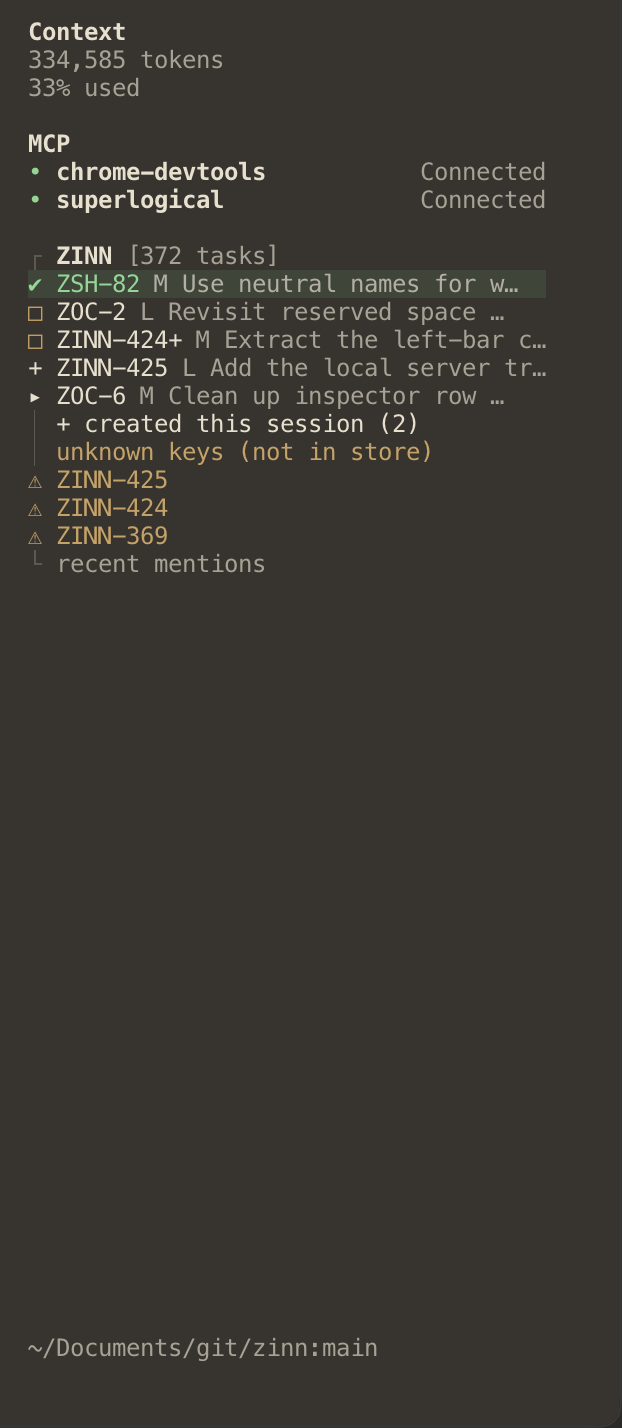
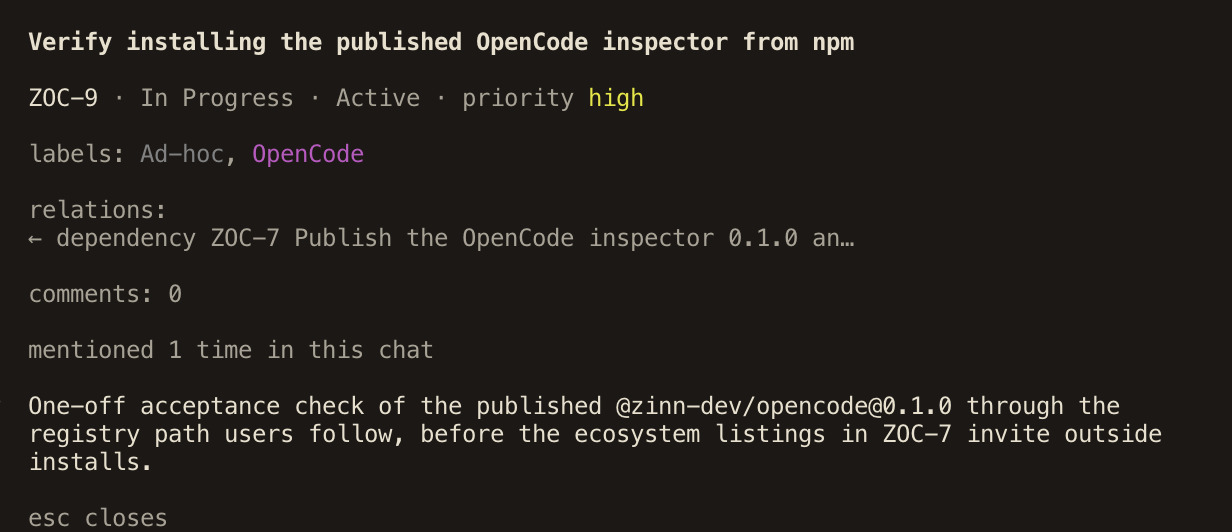
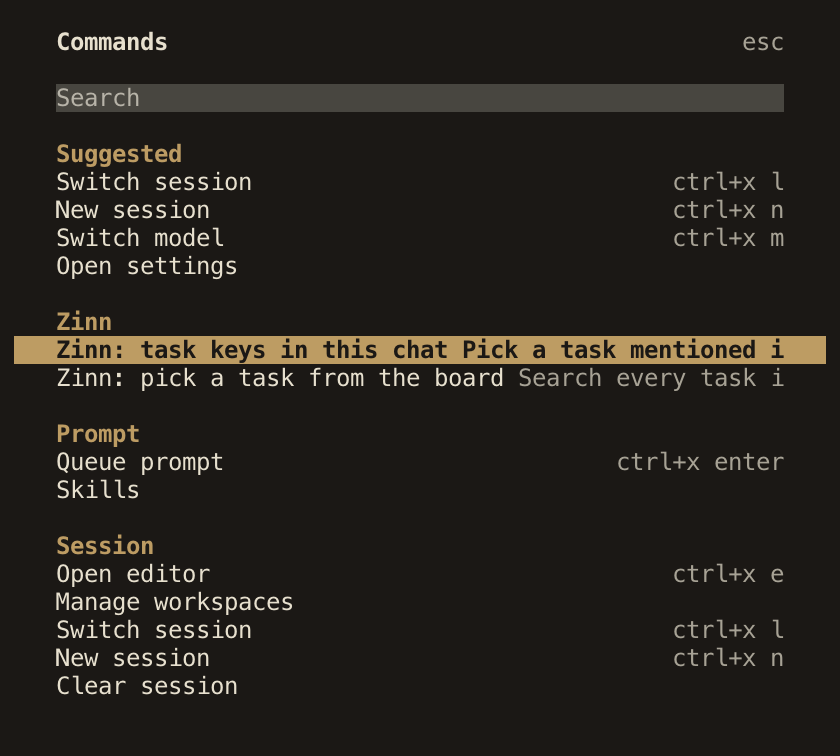
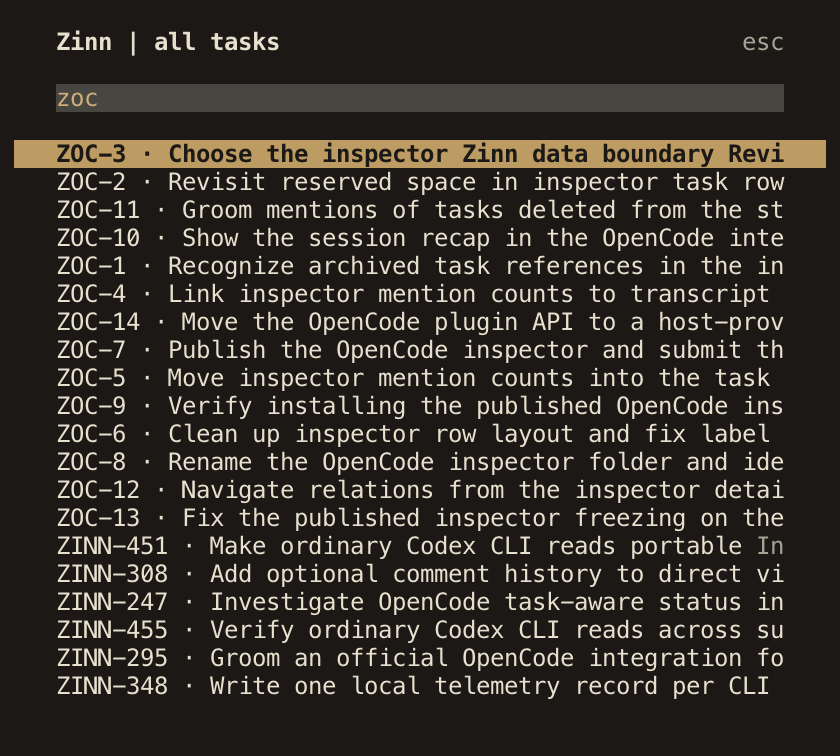
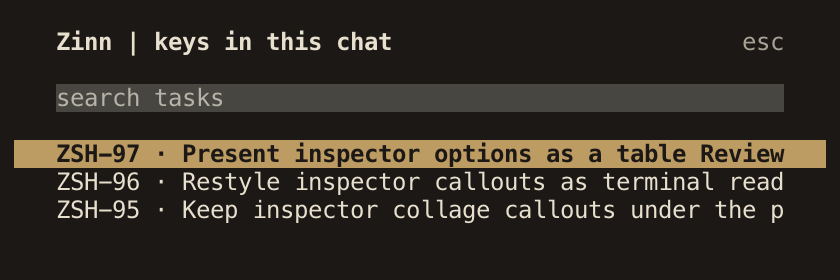

The inspector reads tasks, labels and recorded activity through the local Zinn CLI. It uses the same data directory and settings as the CLI running in that environment. It loads active tasks from the default project, or from every project when no default is set. With a remote OpenCode server, the inspector still runs locally and reads the local CLI's database.
Requirements
- OpenCode 2.2.0.
- Zinn CLI 0.41.0 or newer on the terminal's
PATH, with a database it can read. - The inspector package
@zinn-dev/opencode@0.4.0.
Install
Add the package to ~/.config/opencode/cli.json, keeping any existing plugin entries:
						{
	"plugins": [
		{
			"package": "@zinn-dev/opencode@0.4.0",
			"options": {
				"rows": 2,
				"current": "glyph"
			}
		}
	]
}
OpenCode loads this TUI-only package through its native CLI plugin configuration. Start OpenCode, open a conversation and mention a task key from your database. Select the task to inspect it.
Find and inspect tasks
Run /zinn to find a loaded active task. The command palette also offers Zinn: task keys in this chat and Zinn: pick a task from the board.
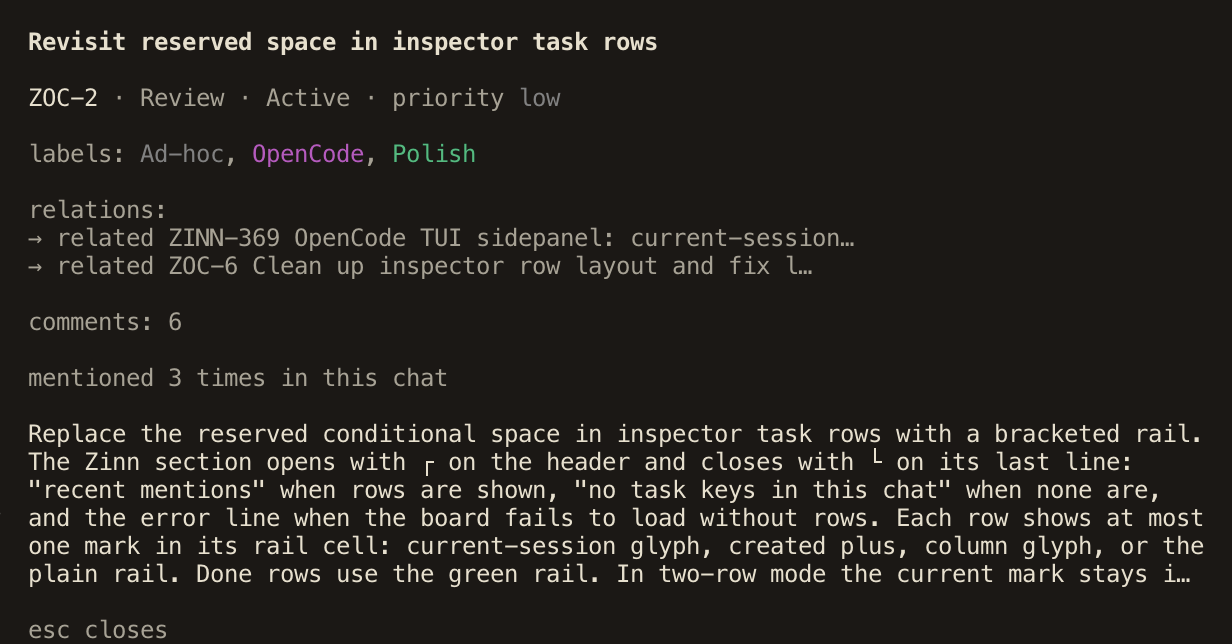
Task details include status, priority, labels, the first paragraph of the description, relations, comment count and a short excerpt of the latest mention in the conversation. When the detail is opened from a task key mentioned in this chat, it also says how many times that task was mentioned. Select a related task to open it in the same dialog, then use back to return. Long relation lists scroll in place. Close the dialog with its close control or Esc. Unknown keys are shown when their project prefix appears among the loaded tasks. Select the ZINN heading to refresh task and label data.
Options
| Option | Default | Behavior |
|---|---|---|
rows | 1 |
Accepts 1 or 2. 2 includes column, priority and labels.
|
current | "off" |
Accepts "off" or "glyph". "glyph" marks tasks with recorded activity
from this conversation family.
|
Conversation marks
A conversation mark means a task has recorded activity whose session or thread ID matches the current conversation, its root or one of its children. A mention alone does not create a mark. The mark records activity, rather than an assignment or ownership claim.
OpenCode's native shell session ID is recorded by Zinn as a thread ID. An explicit ZINN_SESSION_ID and ZINN_THREAD_ID pair takes precedence. The inspector recognizes both routes. See actor identity for the CLI contract.
The mark animates while OpenCode reports that conversation as busy. Busy state comes from the host independently of the task's recorded activity. Tasks in Done keep their green treatment.
Compatibility
Version 0.4.0 targets OpenCode 2.2.0 and its OpenTUI 0.7.0 runtime. Keep the inspector's version pinned when updating OpenCode and check the inspector's compatibility guidance before adopting a new host release.
Update
Replace the version in the package entry with the compatible inspector version you want, then start OpenCode again. OpenCode manages the package download. Keep your existing options in the entry.
Remove
Remove the @zinn-dev/opencode entry from cli.json, then start OpenCode again. Your Zinn projects, tasks and activity remain in the database.
Verified with OpenCode 2.2.0
Inspector source