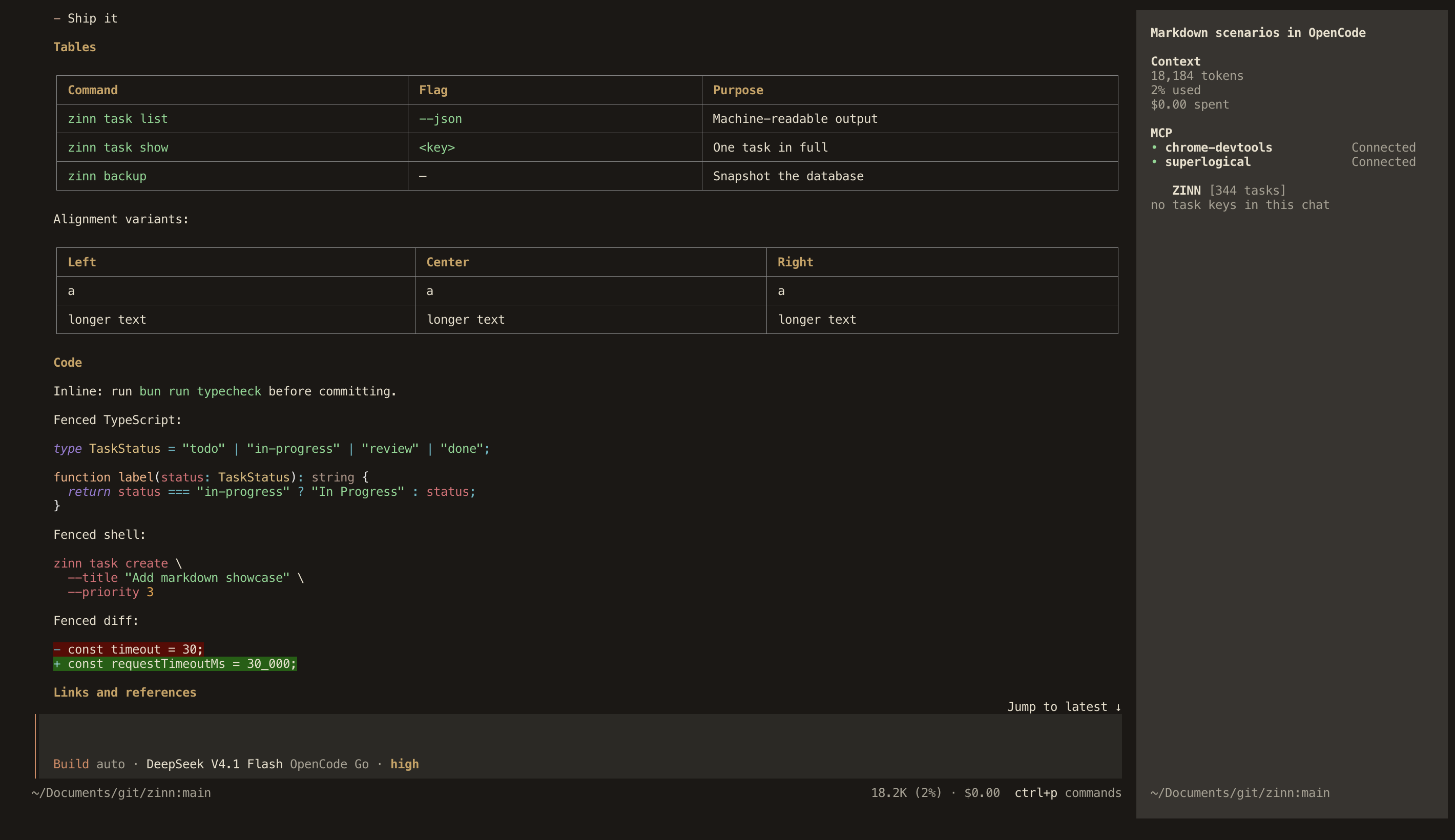
The Zinn color palette for the OpenCode TUI, with light and dark appearances.
- limestone
- bone
- clay
- cinnabar
- bronze
- soot
- pewter
Code & tables
05 / 09 · OpenCode 2.1.4
 Enlarge
12 screenshots
Install the theme
Download the theme file and add it to OpenCode’s themes directory.
- Save
zinn.jsonin~/.config/opencode/themes/. - Open
/themesin OpenCode. - Select
zinn.
OpenCode uses the filename as the theme name. Keep it zinn.jsonand choose light, dark or system mode in OpenCode's settings.
Show shell commands
mkdir -p ~/.config/opencode/themes
cp ~/Downloads/zinn.json ~/.config/opencode/themes/zinn.json
Verified with OpenCode 2.1.4
Theme source