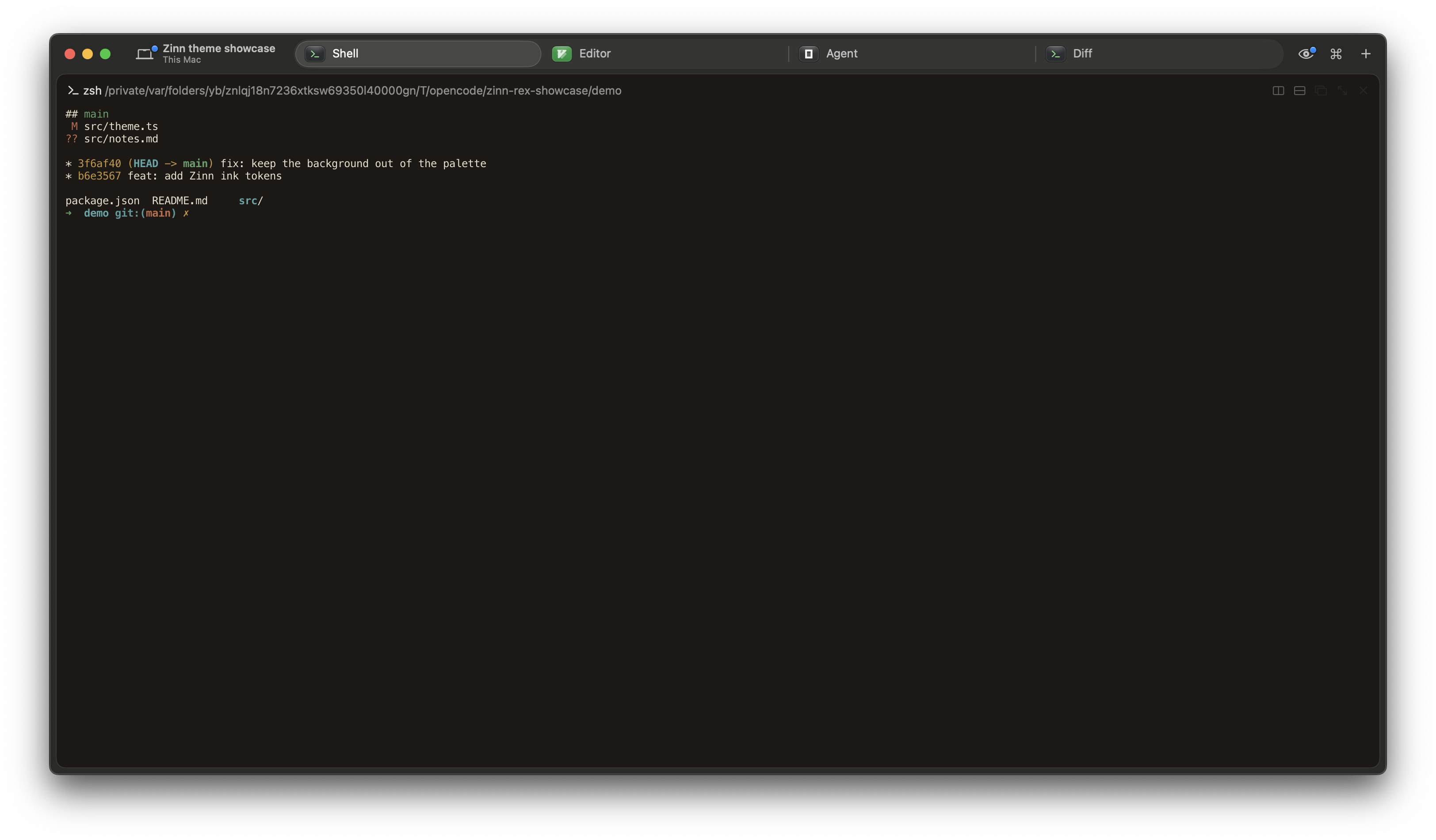
The Zinn color palette for Rex, with light and dark appearances.
- limestone
- bone
- clay
- cinnabar
- bronze
- soot
- pewter
Install the theme
Download both files and import them with the Rex CLI.
- Download
zinn-darkandzinn-light. - Import each file with
rex do client.theme.import. - Import both files to fill the dark and light sides of the theme pair.
Rex uses the file name as the theme name and an import applies the theme immediately. With one app client connected, rex do picks it automatically. With more than one, add -C with the label from rex client ls. Switch the appearance mode to move between the two.
Rex's settings reference covers Import Theme and the theme sheet.
The files are in Ghostty's theme format, so they also work in Ghostty itself.
Show shell commands
curl -fsSL https://zinn.sh/integrations/rex/theme/zinn-dark -o zinn-dark
curl -fsSL https://zinn.sh/integrations/rex/theme/zinn-light -o zinn-light
rex do client.theme.import path="$PWD/zinn-dark"
rex do client.theme.import path="$PWD/zinn-light"
Verified with Rex Beta 0.1.0 (1696)
Theme source